Hedge your LP with perps.
Use the live inventory in your Elysium liquidity position to size a hedge on Hyperliquid. Choose how much exposure to offset and approve the trade.


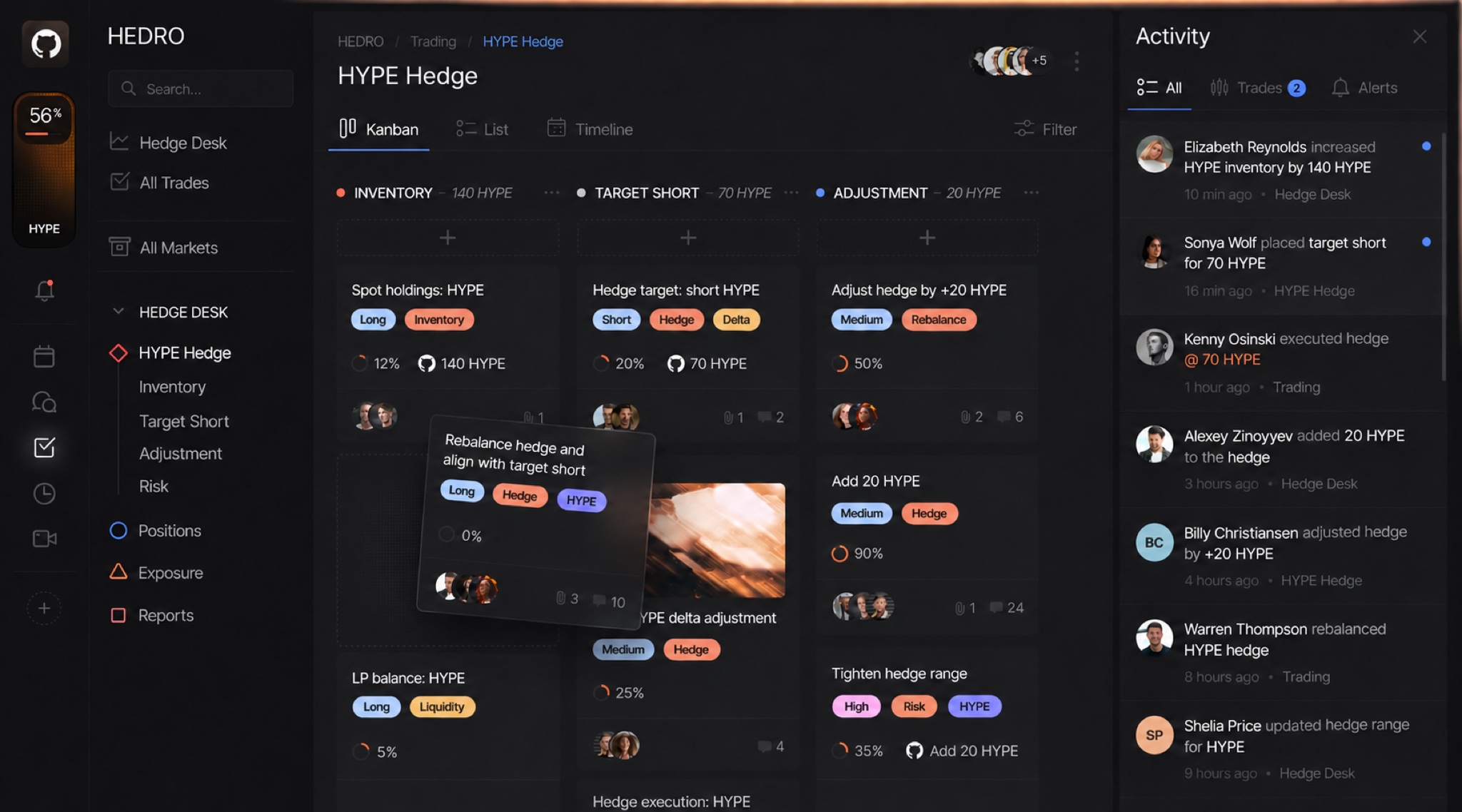
From Elysium inventory to a Hyperliquid order
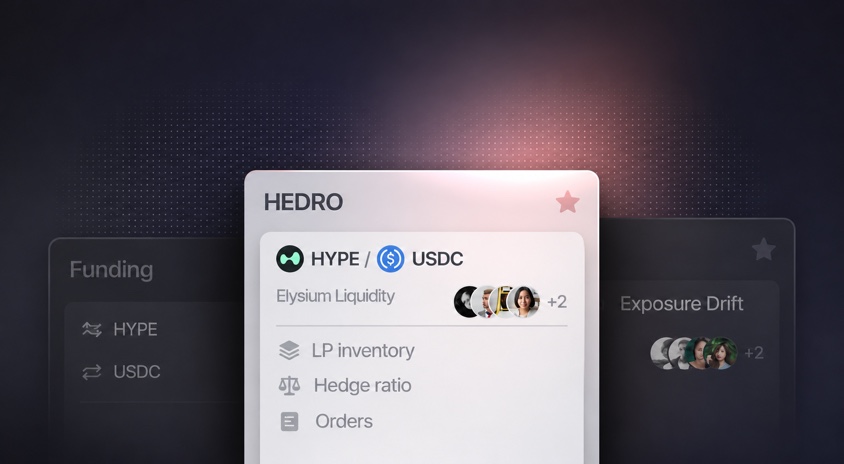
- Elysium LPs
- Hyperliquid Perps
- HYPE Inventory
- Hedge Ratio
- Funding
- Exposure Drift
- Elysium LPs
- Hyperliquid Perps
- HYPE Inventory
- Hedge Ratio
- Funding
- Exposure Drift
Your LP moves. So does your exposure.
A concentrated liquidity position changes its token mix as price moves. A short sized yesterday can be too large or too small today. See what changed and how much to adjust.
Connect your position. Read the current HYPE inventory from your Elysium LP.
Choose your hedge ratio. Decide what fraction of that inventory you want to offset.
Review your order. Check the proposed size, estimated costs, and funding before approving on Hyperliquid.
Check for drift. Compare the target with the filled short whenever your LP inventory changes.
See the hedge change.
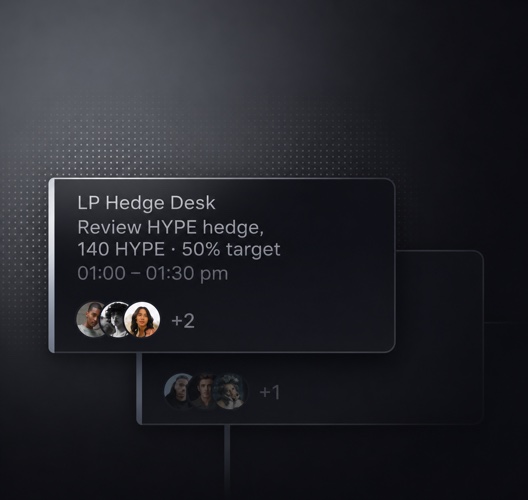
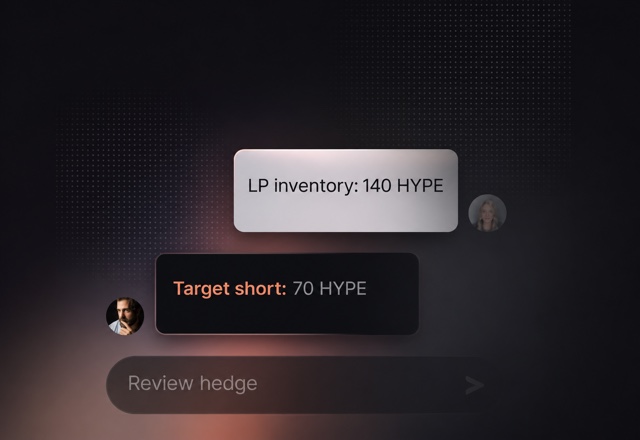
Start with a HYPE/USDC LP holding 100 HYPE. At a 50% hedge ratio, the target is a 50 HYPE short.
 50% target

 LP inventory
 Target shortHedge adjustment


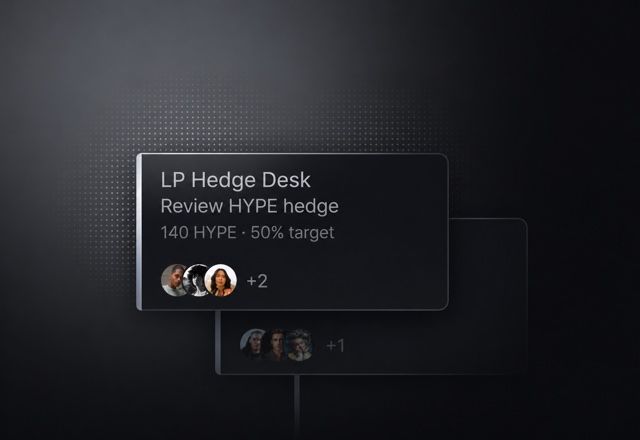
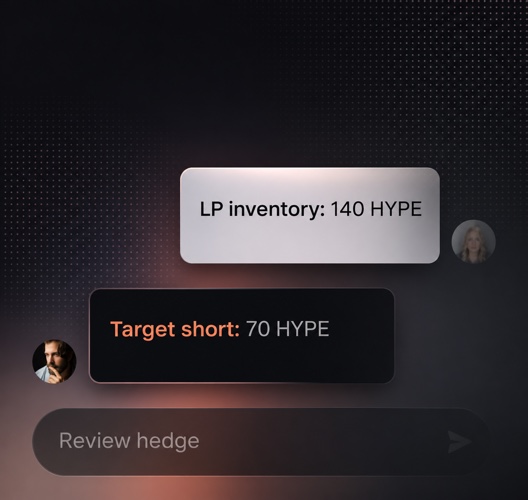
If the LP later holds 140 HYPE and your short is still 50 HYPE, the new target is 70 HYPE. The next order would add 20 HYPE to the short.

Read the LP
Use the underlying HYPE inventory. It changes even when you leave your liquidity allocation alone.

Set the target
Multiply the LP’s HYPE inventory by the share of exposure you choose to hedge.

Trade the difference
Compare the target with the short you actually hold and review the adjustment.
Two networks. One hedge.
Elysium supplies the LP inventory that sets your hedge size. Hyperliquid executes the perp order and manages its margin.
Elysium inventory
Read the LP’s current token balances and use its HYPE exposure as the input.

Your approval
Review and approve each opening order and adjustment from your own account.
Hyperliquid execution
Place the HYPE perp order on HyperCore and check the actual fill.

Separate collateral
Liquidity stays in the Elysium pool. Perp margin stays in your Hyperliquid account.

Fees and funding
Preview execution costs and see the current funding rate before approving.

Remaining exposure
See how much HYPE exposure remains after accounting for the filled short.
From inventory to order
The hedge starts with what your LP holds. The trade ticket shows the inputs, the target, and the adjustment you would approve.
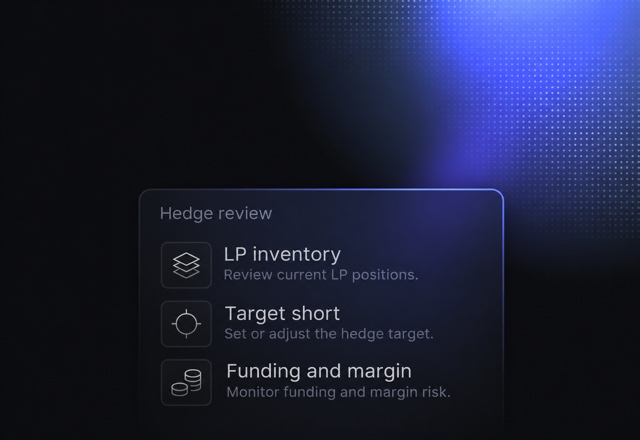
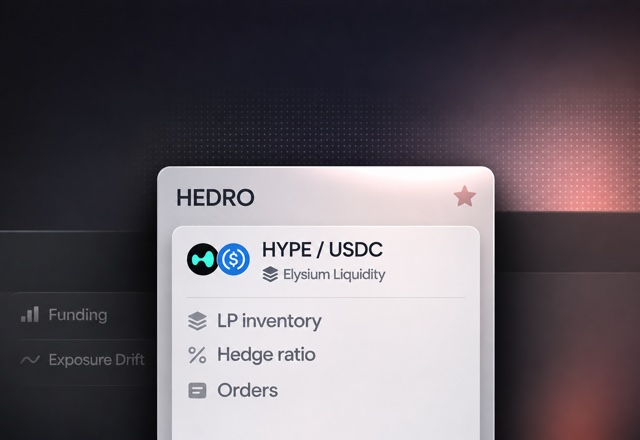
Read inventory. Check the HYPE currently held by the LP.
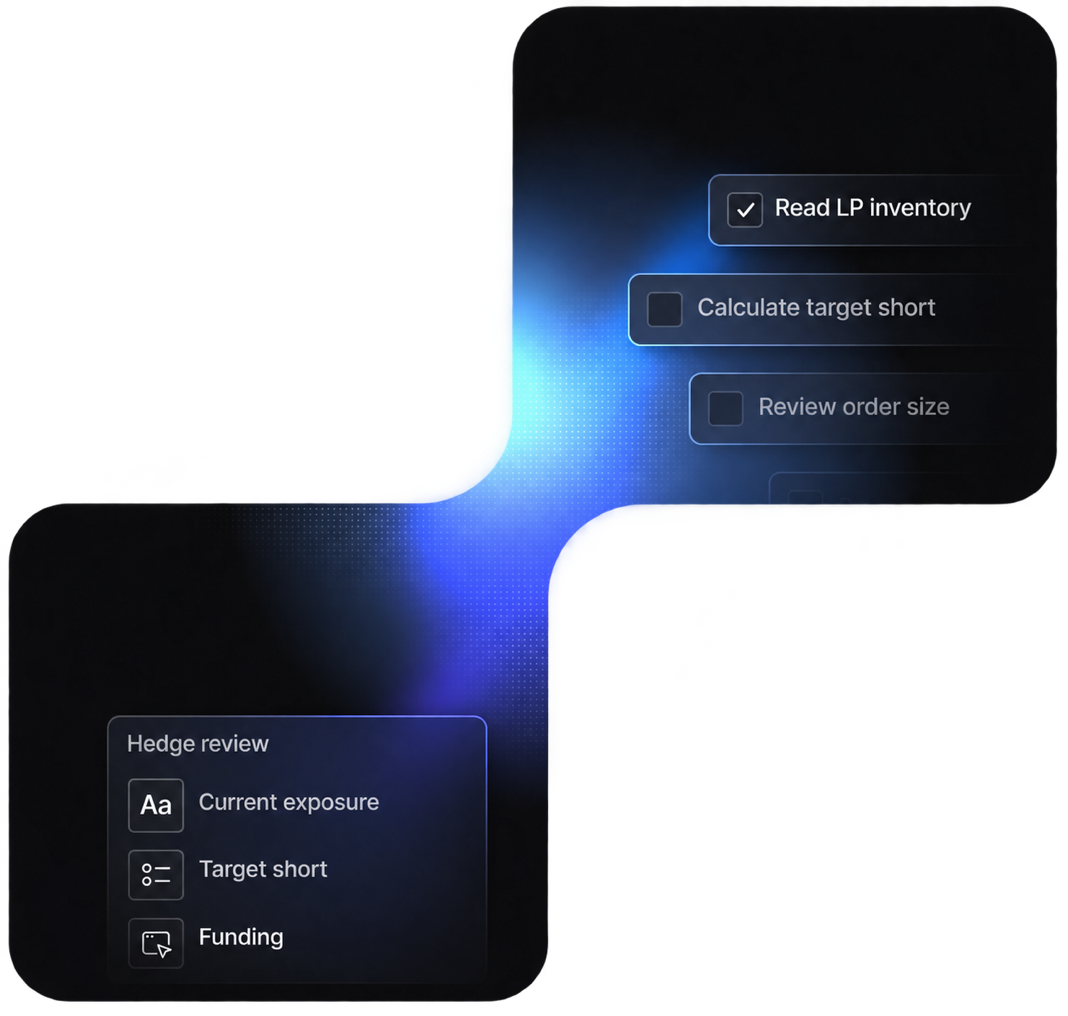
Set your ratio. Choose how much HYPE exposure to offset.
 Calculate the short.
Target short = LP HYPE × hedge ratio.Compare the fill. Use your actual short size to measure the gap to target.

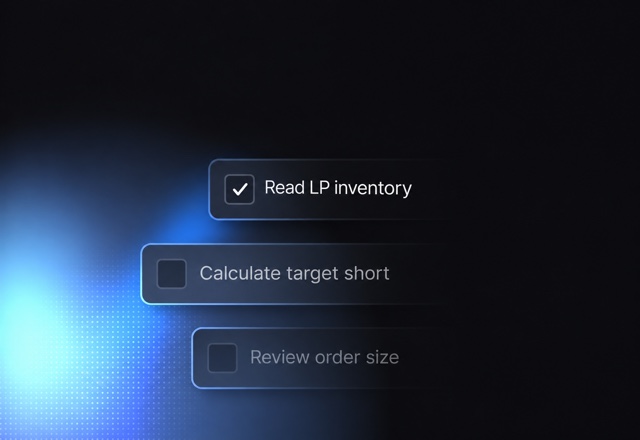


Review the change. Order size = target short − current short.
Track exposure. Remaining HYPE exposure = LP HYPE − filled short.



Understand
Your Hedge Risk

A HYPE short can offset some directional exposure. What you pay to open and hold it, and how your LP changes, still matter.
With live position data, you can check the current hedge and see the remaining exposure before deciding whether to adjust.

Funding can change, orders can slip or fill partially, and a short can be liquidated. LP fees and range behavior still affect your combined result.


Funding and execution
Funding, fees, and slippage affect your combined result.
Margin and drift
Your perp can be liquidated even while the Elysium LP remains open.

Preview your hedge
Explore how LP inventory changes the order you would place.
Explore the relationship between inventory and order size.